Download Pokémon Gaia ROM – Latest Version & Setup Guide
To explore the Orbtus region, start by downloading the latest patch file for Pokémon Gaia below. This guide will help you through the setup process, from downloading to playing, making it easy for beginners to follow.
|
Game |
Language |
File Size |
Download |
|
Pokemon Gaia.ups |
English |
10MB |
|
|
Pokémon FireRed (U)(Squirrels) |
English |
5MB |
Essential Files Needed Before Downloading
Pokémon Gaia is distributed as a patch file. To play the game, you need a clean Pokémon FireRed (U)(Squirrels) ROM to apply the patch.
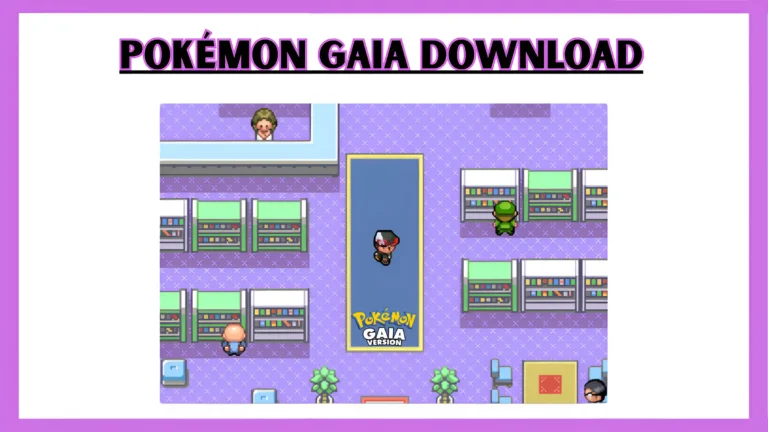
Info
| Detail | Information |
| Game Name | Pokémon Gaia |
| Developer | Spherical Ice |
| Base ROM | Pokémon FireRed (U) |
| Latest Version | v3.2 |
| File Type Patch | Game Boy Advance (GBA) |
| Platform | RPG / Adventure |
| Genre | Orbtus (Custom Region) |
| Region | Orbtus (Custom Region) |
| Status | Completed (Main Story) |
What You Need Before Downloading
Before you begin, make sure you have everything required to install the game properly.
Required Files
- Pokémon Gaia patch file (.UPS)
- A clean Pokémon FireRed (U)(Squirrels) ROM (legally obtained)
Required Tools
- A patching tool:
- PC: NUPS or Tsukuyomi
- Mac: Multipatch
- Android: ROM Patcher
- Tool: ROM Patcher JS Online (works on all devices)
Emulator Requirement
- A Game Boy Advance emulator to play the game after patching.
How to Download and Install Pokémon Gaia
Follow these steps carefully:
Step 1: Download & Extract Files
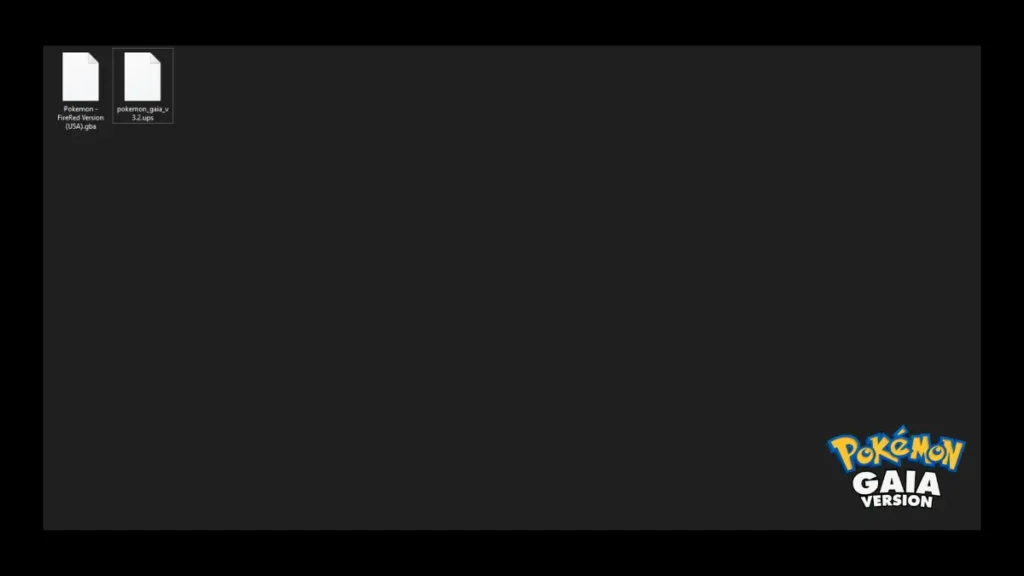
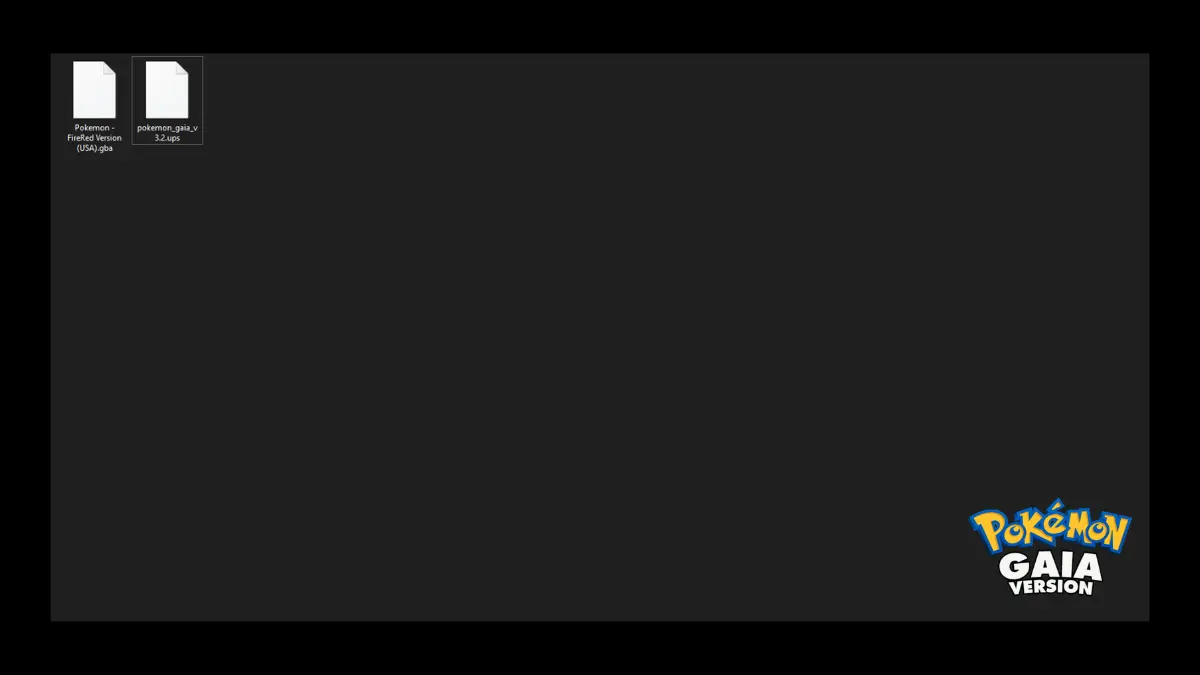
Download the Pokémon Gaia v3.2 ZIP file from the link above and extract it into a folder.
Step 2: Prepare Your ROM
Place your clean Pokémon FireRed ROM into the same folder.
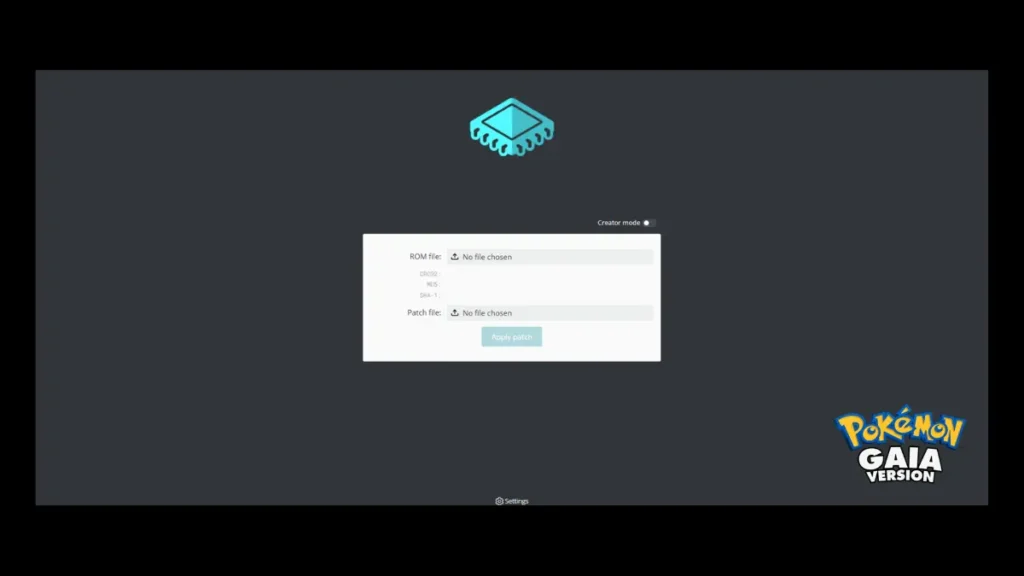
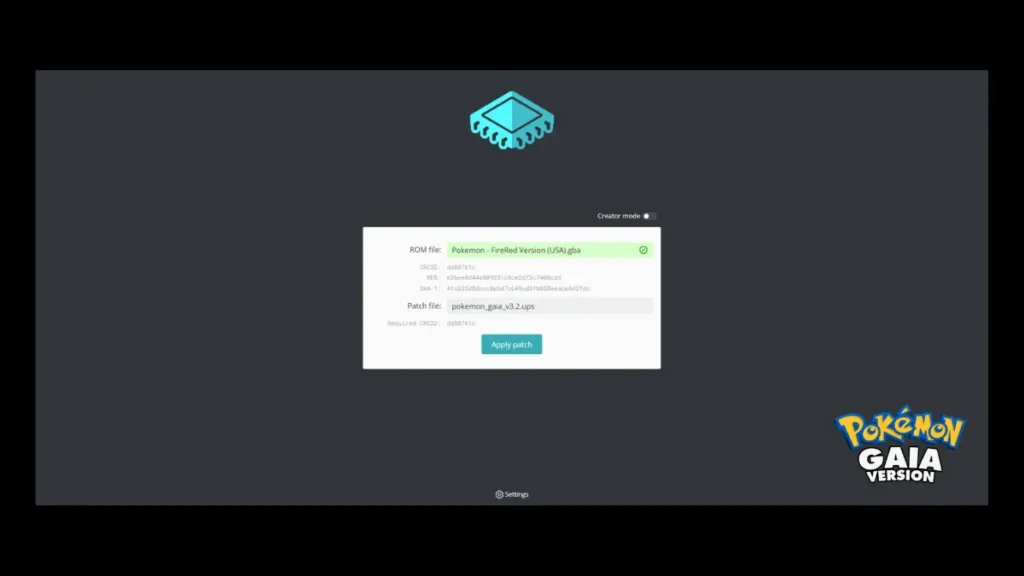
Step 3: Apply the Patch
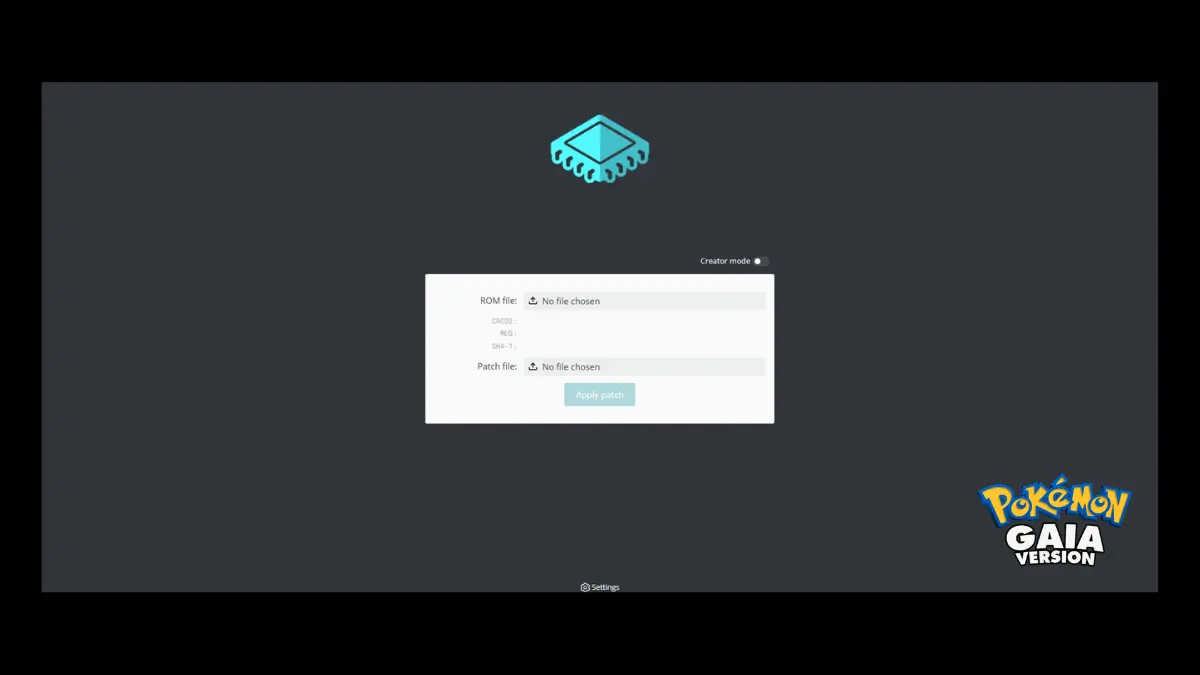
- Open your patching tool
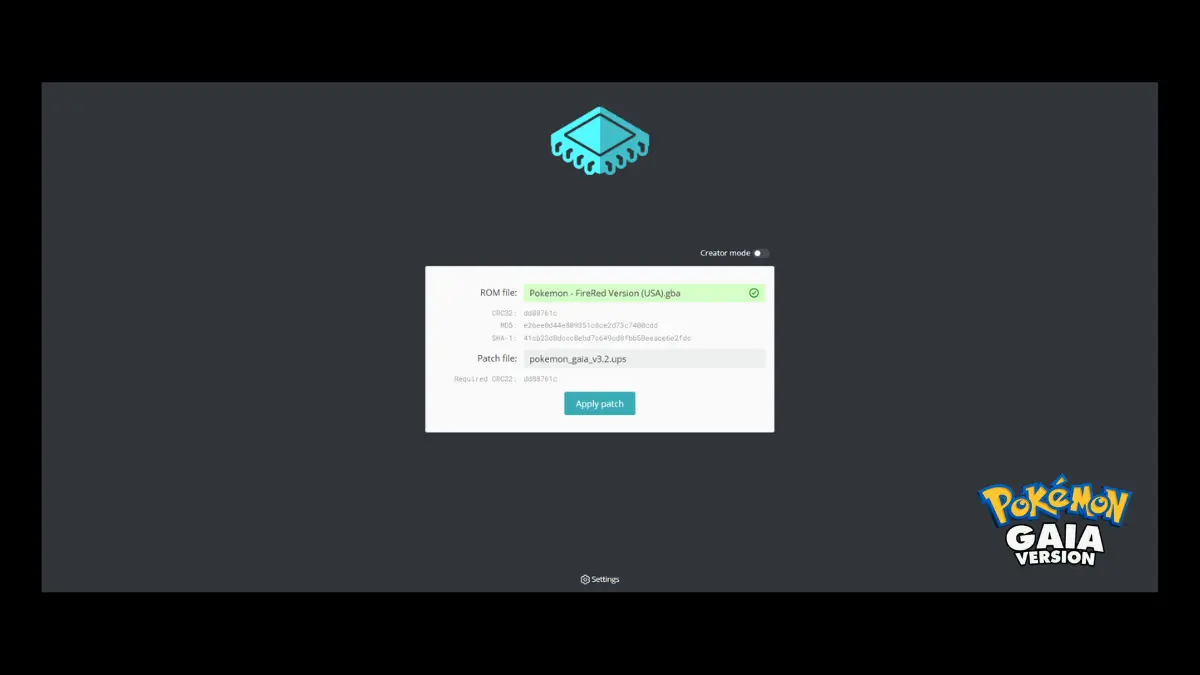
- Select the FireRed ROM
- Select the Pokémon Gaia .UPS patch
- Apply the patch
This will create a new patched .gba file.
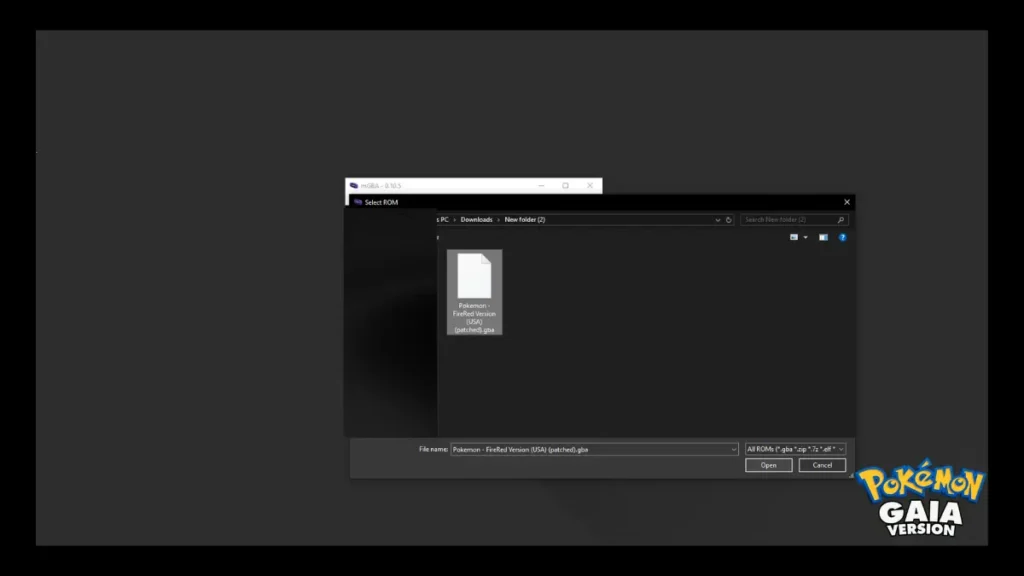
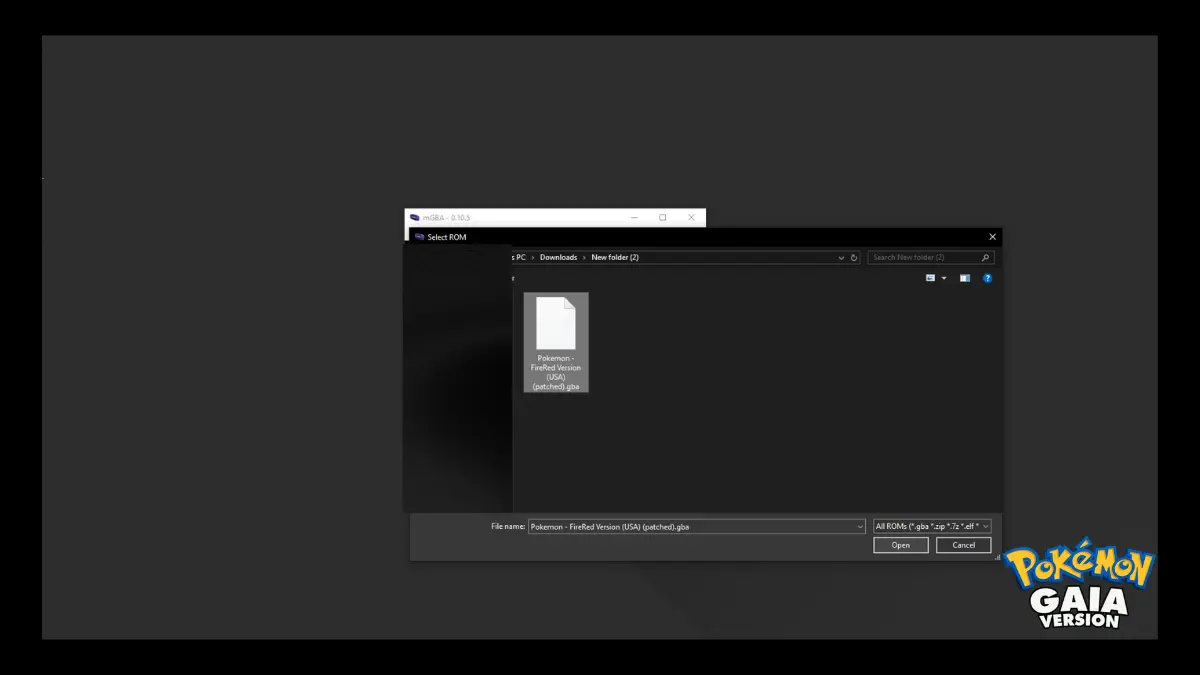
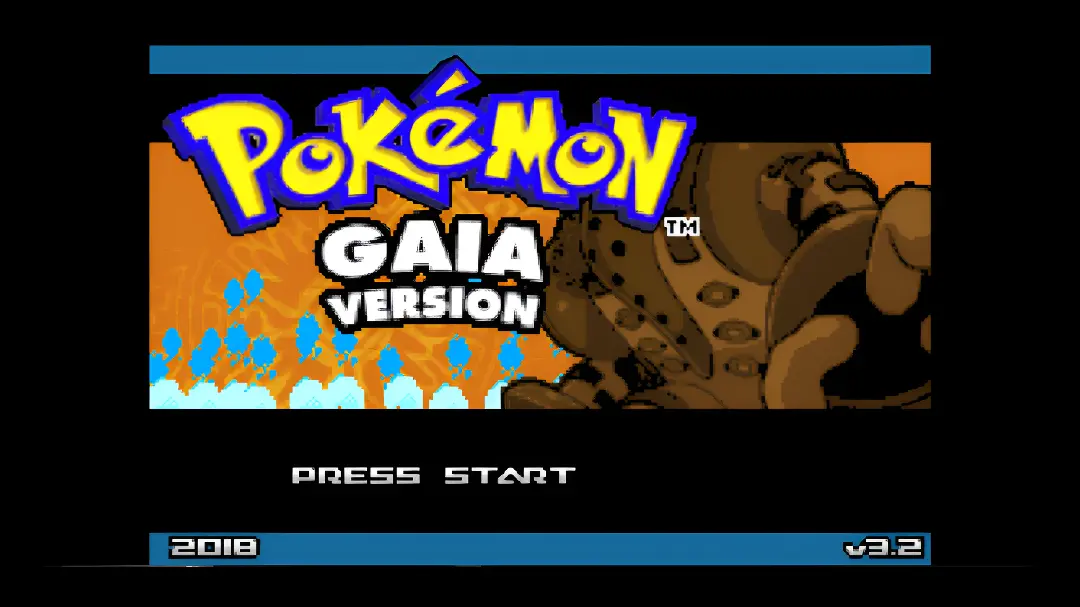
Step 4: Load the Game
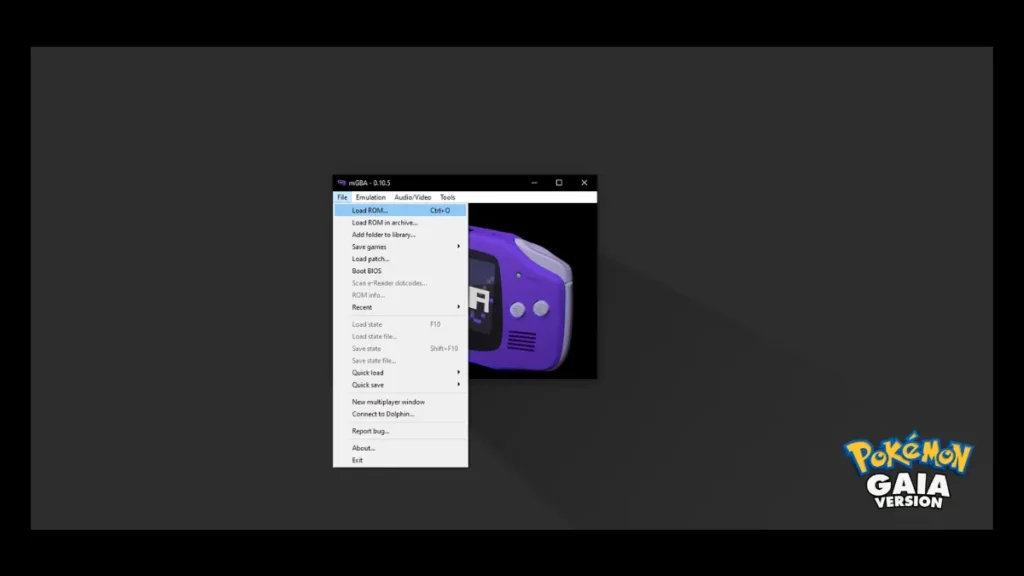
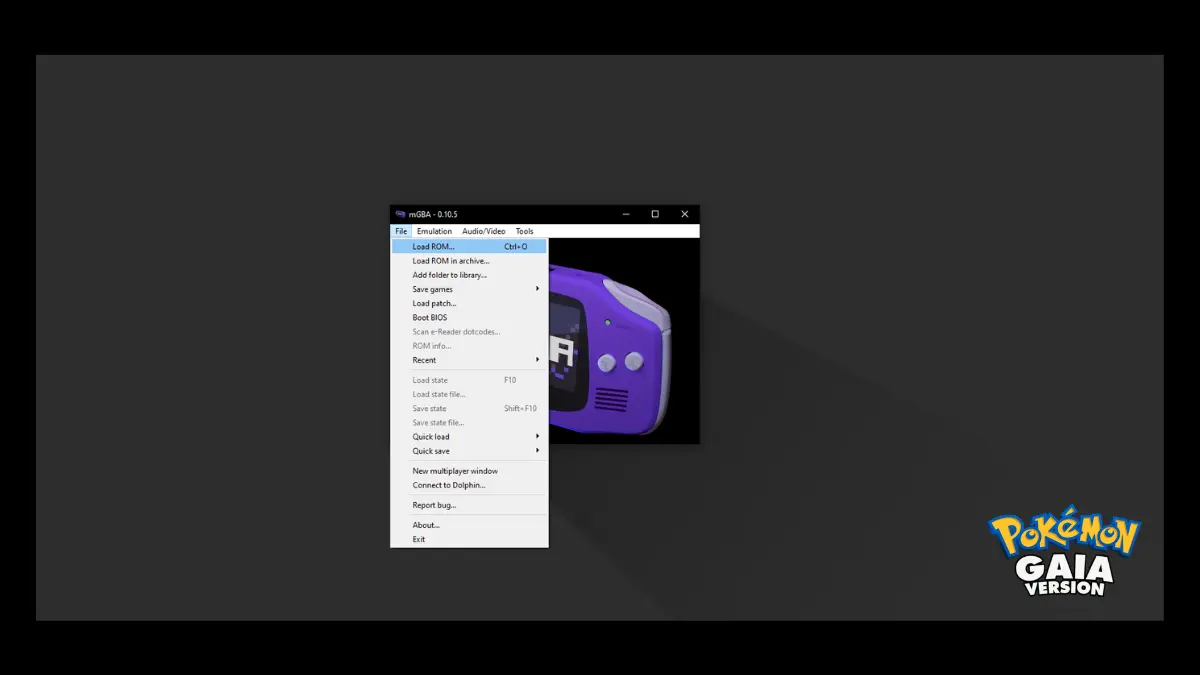
- Open your emulator
- Load the patched ROM file
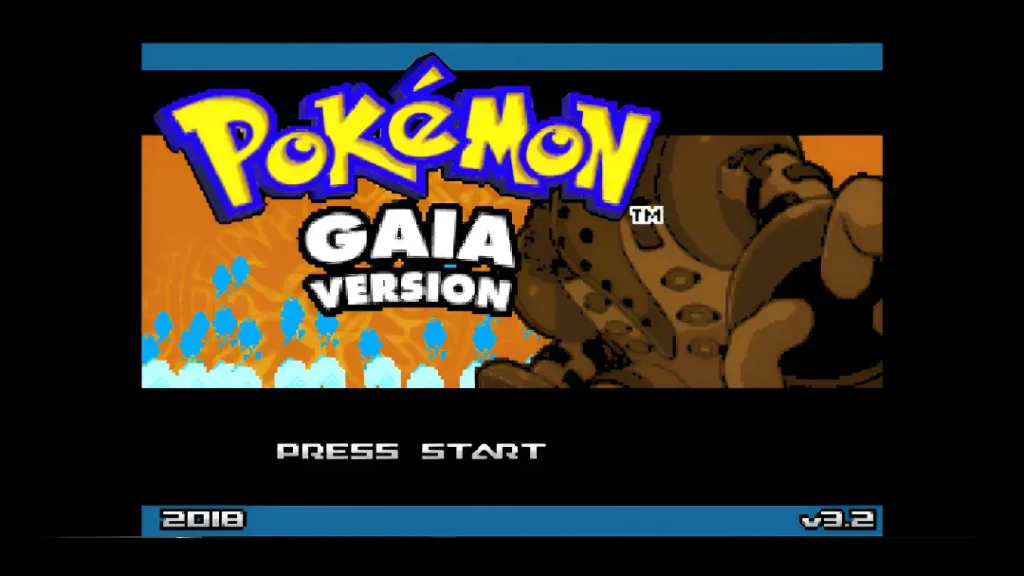
- Start playing
How to Play Pokémon Gaia on Different Devices
Android Setup
- Install a GBA emulator (MyBoy or PizzaBoy recommended)
- Install a patching app like ROM Patcher from the Play Store
- Patch the ROM directly on your device
- Alternatively, patch it on your PC and transfer the file.
- Open the emulator and load the patched game.
iPhone / iOS Setup
- Install an emulator like Delta or GBA4iOS
- Since iOS lacks patching apps:
- Patch the ROM on your PC or Mac and transfer it.
- Or use an online patching tool in your browser.
- Import the patched ROM into the emulator
- Start playing
Windows PC Setup
- Use a patching tool like NUPS or Tsukuyomi to patch
- Alternatively, you can use the ROM Patcher JS directly in your web browser.
- Apply the patch to your FireRed ROM
- Use emulators like mGBA or VBA-M
- Load the patched file and play
Mac Setup
- Use Multipatch to apply the.UPS patch
- Use OpenEmu or mGBA as your emulator
- Load the patched ROM and start playing
Recommended Emulators
For the best performance and compatibility:
- Windows / Mac: mGBA, VBA-M
- Android: MyBoy, PizzaBoy
- iOS: Delta, GBA4iOS
Important Emulator Settings
Most modern emulators automatically detect settings. If you have issues, like problems with saves, try these steps.
- Set the save type to Flash 128 KB, if your emulator allows it.
- Ensure that auto-save or in-game saving is turned on.
- Use updated emulator versions
- Avoid switching emulators in the middle of one playthrough
Important Notes Before Downloading
Is Pokémon Gaia Safe to Download?
Yes, Pokémon Gaia is safe to download if you get the patch file from a trusted source and apply it correctly. Since it is a fan-made ROM hack, it does not have harmful software. However, always avoid downloading files or tools from unknown websites.